What Cowponder Taught Me
What Cowponder Taught Me
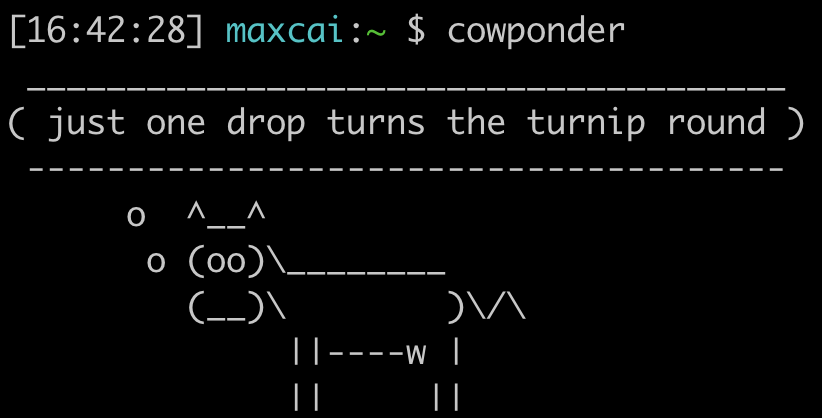
In ninth grade, my friend Alec gave me ssh access to his remote server. It was my first time really working with linux. When I signed in, I was greeted by this randomized message of the day:
maxcai% ssh maxster@xz.ax
welcome to xz.ax, land of the free and home of the brave
 _____________________________________
( rain falling against the lonely     )
( tenement has set my mind to wander  )
 -------------------------------------
        o   ^__^
         o  (oo)\_______
            (__)\       )\/\
                ||----w |
                ||     ||
xz%
Initially, I was curious at how he made such a thing. I wanted to customize the motd and add more quotes. By playing around with the concept, I would end up creating my first cli project: cowponder. Developing cowponder led me on a journey of self-discovery, as I witnessed my potential through programming. In a way, this project is a small, quirky demonstration of my growth as a high schooler.
The Original Program
Originally, this messsage was generated by a script in /etc/update-motd.d/99-silly-message. I added
some quotes of my own to the command, and wanted to test my changes. However, I didn’t know much
about the commandline; I knew there were commands such as echo, ls, and python3 that
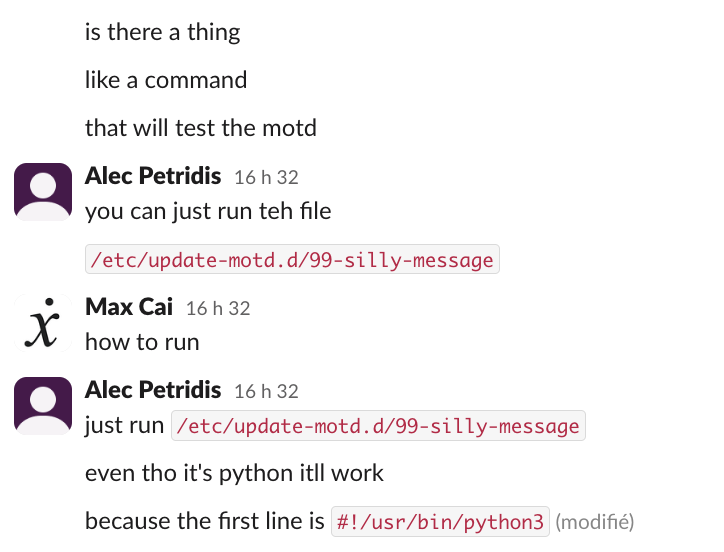
could do custom things, but I didn’t know how they were made. When Alec showed me where the file was,
I had no idea what to do with it. How do I run a file?
Everything is a File
Apparently, to run the file /etc/update-motd.d/99-silly-message, you literally just enter the file
/etc/update-motd.d/99-silly-message into the terminal. How simple! In order to avoid having to type the
full path of the file, you can place the executable into a directory listed on PATH environment variable,
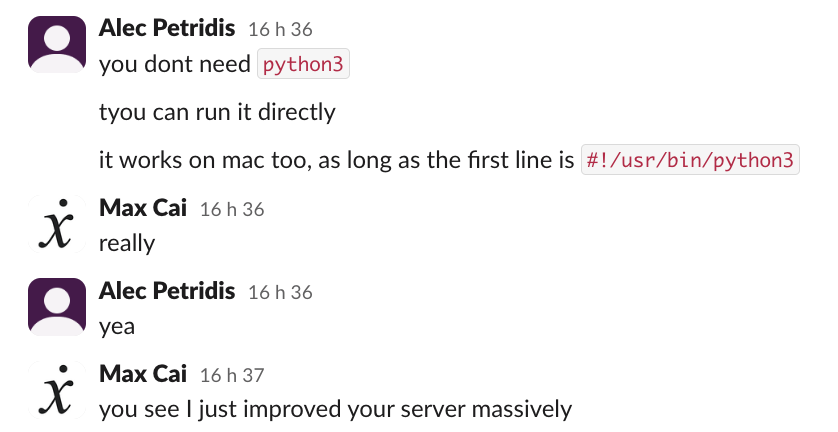
where the computer searches when resolving a command name. Because the script starts with a shebang #!,
the operating system knows to interpret the file using /usr/bin/python3.
I ended up placing the cowponder file in /usr/local/bin. Amazing!
Packaging Cowponder
Everyone deserves a philosophical cow. I wanted to distribute cowponder so that anyone could run from commandline.
Initially, I created a deb package, which installed the files, but the installation process was inconvenient and
not portable to other platforms. I put aside the project for a few years, but finally revisited cowponder
in my senior year, when I had more free time.
Finally, I published cowponder on PyPI,
making it available via pip install cowponder. Additionally, my friend Reid ported cowponder to
PowerShell, available with Install-Module cowponder.
Now, anyone can experience the joys of having philosophical cattle in their terminal!
Conclusion
I’ve learned tons of invaluable lessons from working on projects during my time in high school. Cowponder, despite being extremely basic, is still one of my most memorable projects. Through cowponder, I learned some quirks about linux, but most importantly, I discovered that I could actually write code for real users. Programming extends beyond theoretical algorithms and data structures, and can be used to accomplish real tasks with purpose.
I’m extremely grateful that Alec encouraged me to investigate, develop, and refine his silly motd script. In high school, I implemented my own network protocols, designed a CPU, and even had the opportunity to collaborate on an open-source Java implementation. And it all started with cowponder. Seeing my little terminal cow display messages showed me that the tools we use aren’t as inaccessible and magicky as they initially seem — anything can be created through code.
For any aspiring learners out there: create more projects. Take an idea, no matter how simple or unoriginal, and make it your own. See it through to the end. Explore what’s out there. Who knows, maybe your project will become your cowponder moment.